Manage your inventory using Min/Max templates to create Orders.
Creating Stock Templates is a great way to manage on-hand inventory. These templates allow you to set inventory thresholds which provide the framework for what should be on-hand and what you need to order.
Original Stock Template
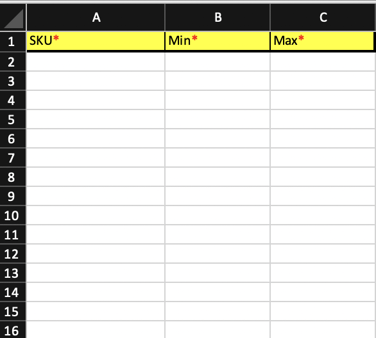
How to Create a Stock Template
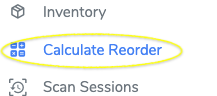
- Go to the "Calculate Reorder" feature
- Select the Template
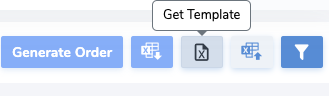
- Fill out the template then upload
- Wait for the icon to say "Successful" then confirm order has been sent as-well as other features